

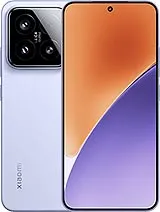
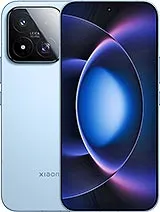

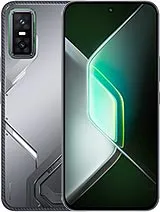
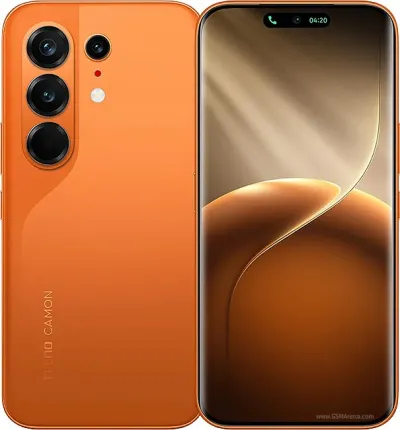
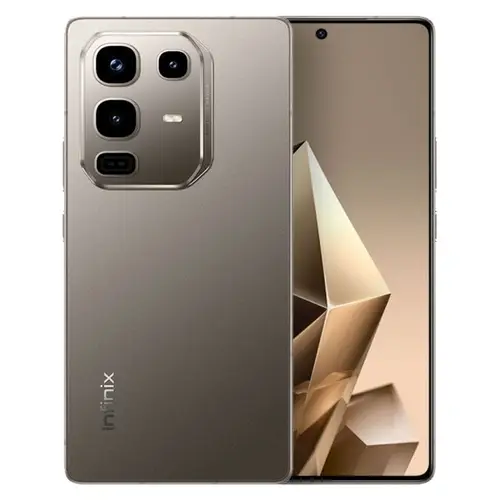
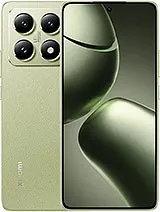
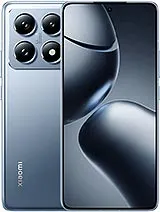
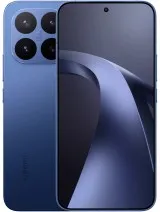

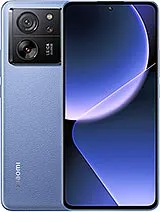
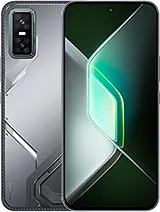
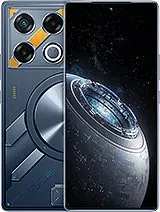

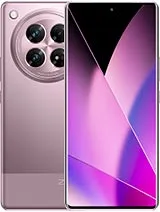
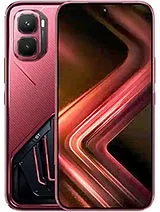
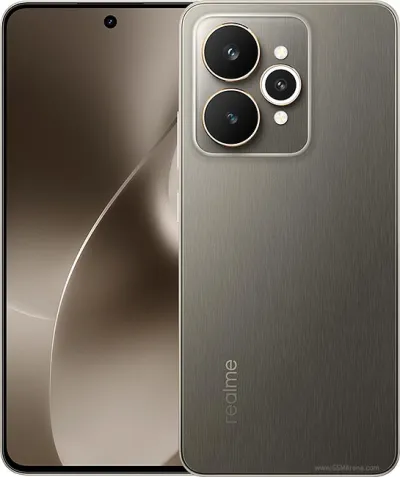
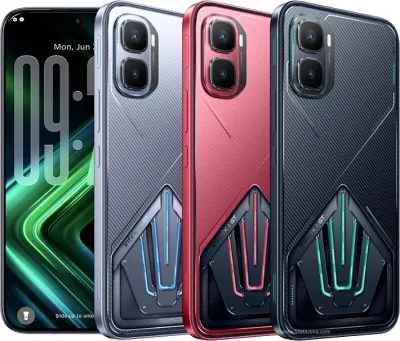
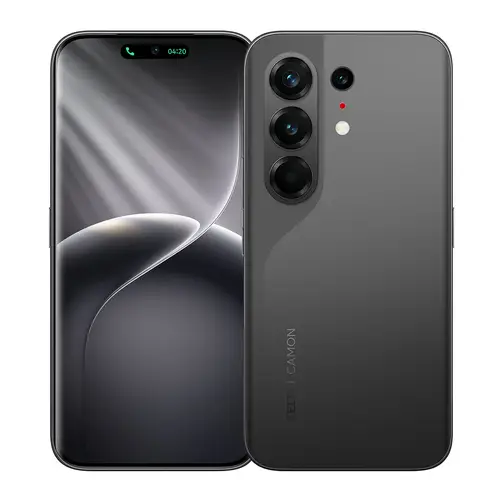
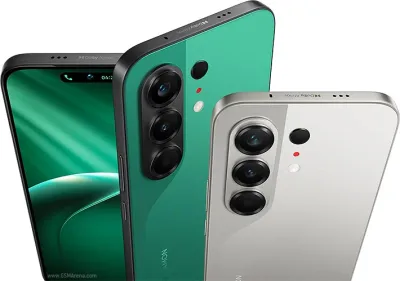
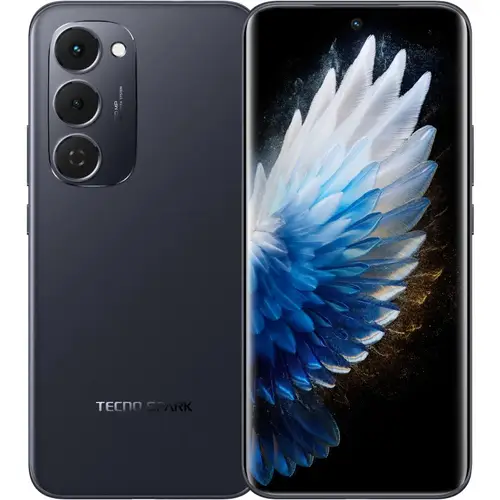
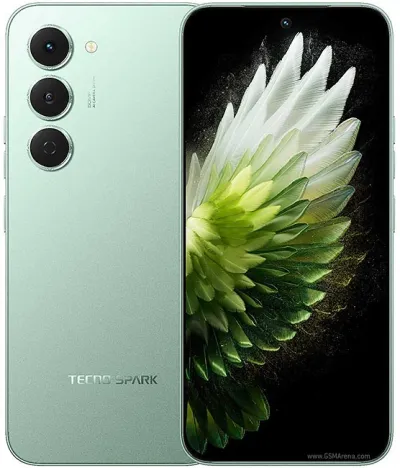
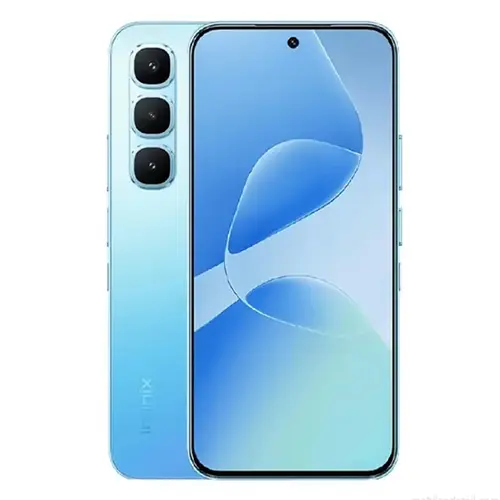






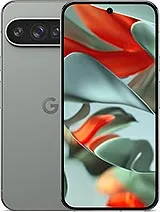
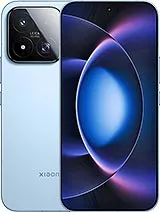
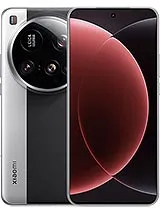
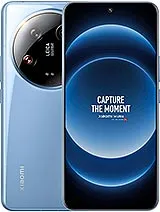

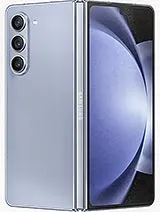
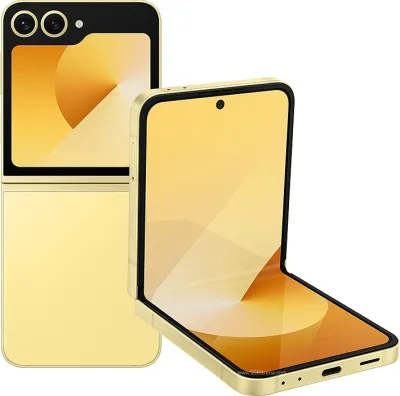
Running emulators on Android requires significantly more hardware power than standard mobile gaming. Whether you want to play classic PS1/PSP games on PPSSPP, Nintendo DS games on DraStic, or use demanding emulators like Dolphin for GameCube titles, you need a phone with high RAM and a powerful chipset. All 60 phones listed here have 8GB+ RAM, making them excellent choices for emulation in Pakistan. For storage, look for 128GB+ since emulator ROMs and game files can be large.
The best emulator phones in Pakistan are those with 8GB+ RAM, a powerful Snapdragon or Dimensity processor, and large internal storage. Emulators for PS2, GameCube, Nintendo DS, and PC games require significantly more processing power than mobile games, so flagship or near-flagship chipsets work best.
For basic emulators (GameBoy, SNES, PS1), 4GB RAM is sufficient. For demanding emulators like PS2 (PPSSPP), Nintendo DS (DraStic), or Android emulators, 6GB to 8GB RAM is recommended. For GameCube or Wii emulation, 8GB+ RAM and a flagship chipset is ideal for smooth performance.
Popular Android emulators that work well on high-RAM phones in Pakistan include PPSSPP (PS1/PSP), DraStic (Nintendo DS), RetroArch (multi-system), Dolphin (GameCube/Wii), and Citra (3DS). These require different levels of hardware — PPSSPP runs on mid-range phones while Dolphin needs flagship hardware.
8GB RAM is excellent for most Android emulators. You can comfortably run PS1, PSP, Nintendo DS, GBA, SNES, and similar emulators with 8GB RAM. For demanding emulation like GameCube, Wii, or N64 at high resolution, 12GB RAM paired with a flagship chipset provides the smoothest experience.
Yes, you can run PUBG Mobile on PC using Android emulators like BlueStacks or GameLoop. However, this is about running PC emulators on Android phones, which is different. For running demanding Android emulators, you need 8GB+ RAM and a powerful processor like Snapdragon 8-series or Dimensity 9000+.